
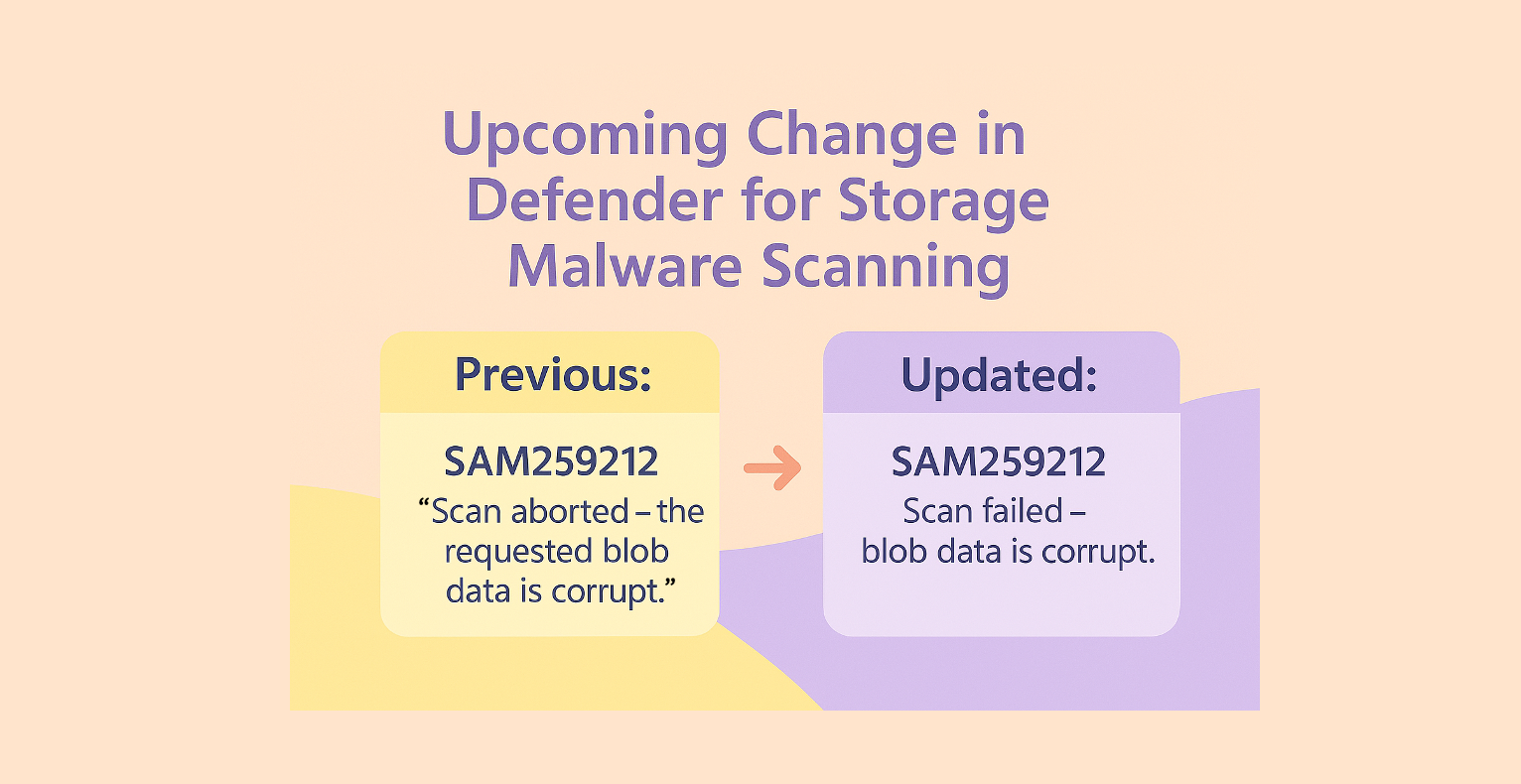
Starting August 2025, Defender for Storage will update the format of error messages returned by malware scanning. The new messages will retain the SAM2592XX: codes, but use clearer, standardized wording and will no longer appear in quotes. If your automation relies on the previous message text, please review and update your workflows accordingly.
Previously | After |
SAM259201: “Scan failed – internal service error.” | SAM259201: Scan failed – internal service error. |
SAM259203: “Scan failed – couldn’t access the requested blob.” | SAM259203: Not scanned – could not access the blob. |
SAM259204: “Scan failed – the requested blob wasn’t found.” | Removed |
SAM259205: “Scan failed due to ETag mismatch – blob was possibly overwritten.” | Removed |
SAM259206: “Scan aborted – the requested blob exceeded the maximum allowed size of 50 GB.” | SAM259206: Not scanned – blob exceeded the maximum allowed size of 50GB. |
SAM259207: “Scan timed out – the requested scan exceeded time limitation.” | SAM259207: Scan failed – scan exceeded time limitation. |
SAM259208: “Scan failed – archive access tier isn’t supported.” | SAM259208: Not scanned – archive access tier is not supported. |
SAM259209: “Scan failed – blobs encrypted with customer provided keys aren’t supported.” | SAM259209: Not scanned – blobs encrypted with customer provided keys cannot be analyzed. |
SAM259210: “Scan aborted – the requested blob is protected by password.” | SAM259210: Scan failed – the requested blob is protected by password. |
SAM259211: “Scan aborted – maximum archive nesting depth exceeded.” | SAM259211: Scan failed – maximum archive nesting depth exceeded. |
SAM259212: “Scan aborted – the requested blob data is corrupt.” | SAM259212: Scan failed – blob data is corrupt. |
SAM259213: “Scan was throttled by the service.” | SAM259213: Not scanned – throttled by the service. |
SAM259215: Not scanned – delayed by the service. | |
SAM259220: Not scanned – immutability policy conflicted with another storage policy preventing blob access. | |
SAM259221: Not scanned – the storage account is busy or not responsive. |
The updated error message format for Defender for Storage malware scans will begin with high-level states such as Scan failed or Not scanned. These states are then followed by a dash and a concise explanation of the issue. For example:
- Scan failed – internal service error.
- Scan failed – scan exceeded time limitation.
- Not scanned – throttled by the service.
For a full list of all the potential Error Messages, check our documentation.
Suppose you have an automation that is designed to send an email notification to xyz@contoso.com whenever the exact error message SAM259201: “Scan failed – internal service error.” is received.
def handle_error(error_message):if error_message == 'SAM259213: "Scan was throttled by the service."':
send_email("xyz@contoso.com", error_message)
To ensure your automation continues to function correctly, you should update your logic accordingly:
if error_message == 'SAM259213: Not scanned - throttled by the service.':send_email("xyz@contoso.com", error_message)